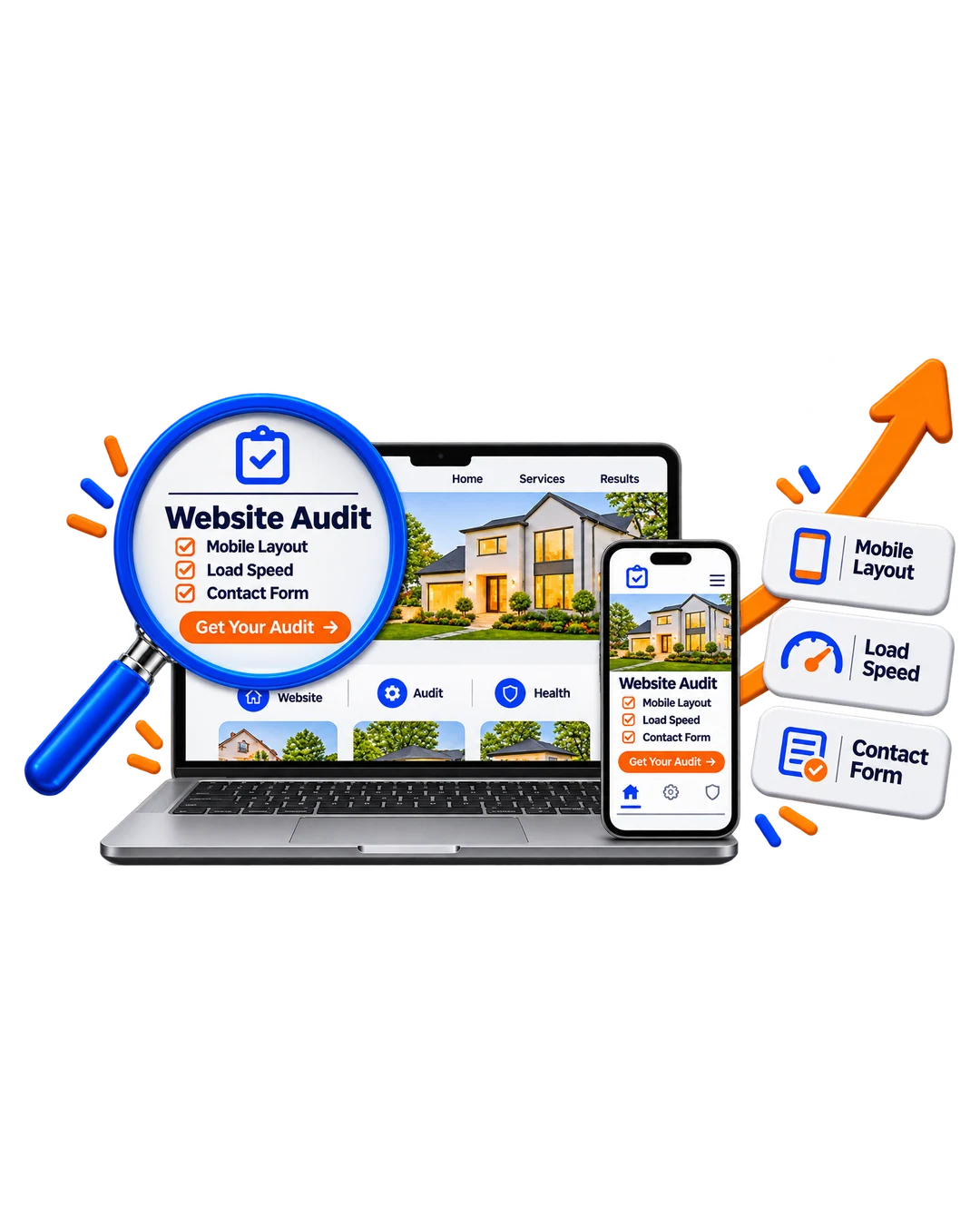

A thumb stops on a phone in a driveway. The search was short, the problem is not, and the page has about five seconds to answer three things: what you do, where you go, and how to reach a person. If those three are missing, the rest of the design is a poster. This is a checklist for that moment. The service page for the work itself is web design. This article supports that page. It is not a second pitch for the same visit.
Start on the first screen, on a phone
Most of these searches happen one-handed. Sometimes the job is urgent. Sometimes it is a quote for next week. Either way, the visitor decides quickly whether to stay or go back to the results. The homepage has to name the work you actually do, the cities you actually cover, and a number they can tap, without a scroll and without a popup in the way.
Google indexes with a mobile-first approach. Treat the phone layout as the design, not as a leftover you check on Friday. If the desktop version is gorgeous and the phone version hides the number in a menu, you designed the wrong screen. The longer phone test is making the site mobile-ready. The failures that stop the call even when the layout is fine are in website mistakes that cost calls. Use those when you are debugging. Use this list when you are deciding what the page must contain.
The offer for having that page built is on web design. Industry pages own the trade-specific version, under industries. A plumbing site and a roofing site should not share a vague “construction services” headline. This checklist is the shared spine: work, area, phone, a page per job, proof that is real.
“Professional” is not a font. It is a stranger being able to tell, in the truck or in the kitchen, whether you are the company for this problem. If the headline is a slogan about craftsmanship, you have used the most valuable inches on the screen to say nothing they can dial.
One page for the job, not a pile of towns
“Construction services” does not help someone looking for a bathroom, a roof, or a fence. Each job you want the phone to ring for deserves its own page, with photos of that work and a next step that matches it. A leak and a water-heater replacement are different buyers. A no-cool call and a system replacement are different buyers. Mixing them makes both pages worse.
You do not need a cloned page for every town. One service-area page that names the cities you will actually crew, and the places you will not, is the honest version. Near-duplicate town pages are thin, and Google’s spam policies flag doorway pages built to catch similar searches. They also create calls from places your two trucks cannot reach this week. Say the radius you mean.
Which URLs a given trade should have is already written, trade by trade. Start at the hub, then the pages guide: plumbing, HVAC, electrical, roofing. This checklist will not repeat those lists. It will only insist that the job is a page because the job is different, not because a suburb needed a URL.
Page count should follow the calls you want. Website plans include up to 5 pages, Lead System up to 10, Plus up to 20 in English and Spanish, Own It up to 10. Extra pages on the Website plan are $99 each. That is a scope fact. It is not a reason to invent cities so the menu looks full. A short site that books the work beats a long site that describes a company you are not yet.
Proof that a stranger can check
License and insurance, when they apply in your state, belong where the eye is already deciding to call. Your own job photos beat a stock hard hat. A short Google review, quoted accurately, next to the phone closes the doubt the slogan cannot. If you only have four reviews, show four. An invented “John S.” is worse than empty space.
Do not edit a review down to the compliment and drop the sentence about being late. The FTC’s Endorsement Guides are about advertising, and a contractor site is advertising when it puts words in a customer’s mouth. How to ask for the real ones is how to ask after a job. Where they should sit is building trust with reviews.
Photos fail in two directions. Stock photos teach the customer to expect a crew they will not meet. Unlabeled photos from a job you did not do are the same lie with your camera. Use the work, even if the lighting is a phone flash in a closet. A recent ugly photo of the right repair outperforms a polished photo of the wrong one.
Hours are proof too. If you close at five, say five. If you run emergency calls, say the hours a person actually answers. A 24/7 badge on a site that goes to voicemail is the review you will earn whether you asked for it or not. Match the site to the Google Business Profile. The field pass is the profile checklist.
Two next steps, and only those
The person with water on the floor needs the phone. The person planning a replacement next month can use a short form: name, phone, job, city. Photos can follow by text after a human replies. Asking for the history of the house, the financing preference, and a file upload before the first conversation is how you lose the planned job to a company that asked for less.
Put the phone first on urgent pages and keep the form available without making the two buttons fight. “Contact us” as the only action forces both people through the slower door. Say the action. “Call for a same-day visit” is a button. “Learn more” is a delay. The fuller version of this handoff is turning clicks into calls. The checklist version is simply: one primary action on the first screen, the other path still findable, nothing else competing up there.
Internal links should be routes a customer would walk. Home to the jobs that pay you. Each job to the area page. Related work only when you want that call. A footer full of thirty links is a closet. On a phone it is also a long scroll past the number. If the number is only in that footer, move it.
While you are under a house, pickup will fail sometimes. Optional missed-call text-back is a patch for that moment, not a replacement for answering. It needs a dedicated business line. On Lead System and Plus, a second number is $1 a month if you use one, plus carrier rates. On Website or Own It it is a $97 a month add-on. Approval usually takes 10–15 days and is not guaranteed. Do not print “we text back instantly” on the new site if the carrier has not approved it. The delay is in why those texts wait.
Speed, type, and the things that block the number
Compress the hero. A beautiful photo that takes the whole cellular connection is a delay in front of the phone number. Embedded maps and chat bubbles can wait until after the call button exists. Full-screen popups that cover the number are a tax. Google has warned about intrusive interstitials on mobile for years. Your own thumb will tell you the same thing in the driveway.
Use PageSpeed Insights as a diagnostic, not as a trophy. You are looking for whatever keeps the headline and the number from appearing. You are not collecting a score for a proposal. Real text beats words baked into an image. Image-text cannot be tapped, cannot wrap, and disappears for someone using a screen reader.
Buttons need to be large enough that a moving thumb hits the right one. Links crammed into a paragraph of legal-size type will be mis-tapped. Contrast has to survive daylight on a windshield. Light gray on white is a mood in the office and a blank card in the sun. Test outside. The office monitor is a liar.
Sticky headers that eat half the screen hide the thing you wanted to stick. If the bar is the phone number, keep it thin and make sure the page underneath can still be read. If the bar is a coupon, ask whether the coupon is worth the inches. Usually it is not, on a five-second decision.
A walkthrough you can do in the driveway
Open the homepage on cellular, not on the shop Wi-Fi. Read the headline out loud. If it could belong to any company in any trade, it fails. Find the phone number without scrolling. Tap it. Hang up. Open the page for the job you most want. If that page does not exist, you have found the first thing to add, and you have found it without a redesign. Check the hours against the profile. If they disagree, fix the public one today, before you touch colors.
Then try the form with one thumb. If you give up, a customer will too. Count the fields. Name, phone, job, and city are usually enough to know whether the call is yours. Ask for photos after a person replies. Submit it yourself and see where it lands. A form that arrives in a spam folder is not a lead system. It is a suggestion box you do not open.
Look at proof the way a stranger would. Is the review a real sentence or a slogan you wrote? Is the photo a job you did? Is the license visible if your state cares? You do not need a long trust section. You need one true thing next to the number. If you have nothing true yet, leave the space empty and do the next job well enough that someone will write the sentence. Empty is more trustworthy than fiction.
Write the three fixes on a notepad before you leave the driveway. Most sites only need those three: a clearer job name, a number that taps, and hours that match. The rest of the checklist can wait until those are boring. Boring and callable is the design. The service page that describes having it built is still web design. This list is how you know whether the build, including the one you already have, is doing the job.
Names, links, and the pages you should not clone
Use one public name. The truck, the site, the profile, and the voicemail should agree. A homepage title stuffed with five cities is not a service area. It is a shout. Put the cities on the area page, and only the ones you will crew. Link the money jobs from the homepage in words a customer would search, not in a row of icons with no labels. Icons are decoration. The word “drain” is navigation.
Do not build a blog to satisfy a feeling that serious companies have blogs. A page that answers a question your phone already hears can earn its place. A monthly post nobody asked for is a chore that pushes the number down the screen if you are not careful. If you write, write the thing the last ten callers asked. Then stop. The pages guides are the better use of the next hour if you are unsure which URLs you even need.
Bilingual sites are a design decision only when they are an operations decision. Plus is the plan with English and Spanish pages, up to 20, and review requests in both. A translated homepage with an English-only callback is a design that creates calls you cannot serve. That is the same mistake as an oversized service area, with language instead of miles. Publish the language you answer.
When the driveway test passes, you are allowed to care about type and color. Not before. Owners reverse that order because color is easier to discuss than the towns you do not want to drive. The customer never has that meeting. They have a thumb and a problem. Design for the thumb. The profile versus the website piece will tell you if you even need the page yet. Sometimes the card is enough for another month. The checklist still applies the week you build.
How a build goes, without turning this into the sales page
We start with a free homepage preview in two business days. No card. No obligation to continue if the first screen is wrong. After you approve it and send the content we need, the full site typically launches in five business days, and we confirm that date in writing. You should see the work, the area, and the phone on that preview before you argue about fonts.
Website is $97 a month. Lead System at $197 adds review requests, a profile tune-up, a call report, and optional text-back. Plus at $297 runs the site and that follow-up in English and Spanish. Own It is $1,497 once, with the files yours from launch day. Monthly plans are $0 down and cancel anytime. Every plan has a 30-day money-back guarantee. Lead System and Plus add the 60-day lead guarantee. Ongoing SEO is not included. The grid is on pricing. The preview request is on contact. The page that owns the design offer is web design.
If you are still deciding whether to build it yourself, read Wix, Squarespace, or a managed site before you assume the template is the cheap option. If you are deciding who should build it, read freelancer, agency, or a website plan. This checklist should still be true whoever types the pages. A beautiful build that hides the number has failed the only test that pays for the truck.
Do the driveway test on the site you have this week, even if you are not ready to replace it. Open it on cellular. Can you name the work, the towns, and tap the number without hunting? If not, that is the punch list. Fix those three before you add a section about your story. The story can follow. The call cannot.
If you want that first screen built instead of patched, the preview is the way to see it before money moves. Two business days, no card. You are looking at the checklist in picture form: work, area, phone. If any of the three is missing in the preview, say so. That is the review that matters. Fonts can be a second note. The service page stays web design. This article stays the list you can hand a tech, a spouse, or a freelancer and say, “This is what done means on a phone.” Done is a call a stranger can place. Everything else is furniture.
Hand the list to whoever is typing
This checklist is portable. A freelancer can follow it. A spouse updating a builder can follow it. A managed build should be judged against it. If the person typing cannot point to the work, the area, and the phone on the first phone screen, they are not done, no matter how many revisions the proposal included. Say that before the invoice, not after the launch party.
Keep the service page for the offer where it belongs. Contractor website design, as a thing you hire, lives on web design. Trade pages live on the industry hubs. Cost lives on the cost posts and on pricing. This article is the punch list those pages assume. Using it as a second sales pitch would only confuse the visitor who came for the list. They can hire from the other page when the list has convinced them the current site is not earning the call.
FAQs
Do I need a page for every town I serve?
No. One honest service-area page for the cities you actually cover beats thin doorway pages with the town name swapped.
What has to be on the first phone screen?
The work you do, the area you cover, and a tappable phone number. Proof and a second path for estimates can sit close by. The company story can wait.
Can I see a design before I pay?
Yes. A free homepage preview takes two business days, with no card and no obligation.
What do the plans cost?
Website is $97 a month, Lead System $197, Plus $297, or Own It $1,497 once. Pricing has the full comparison.
Which page on this site owns contractor website design?
The web design service page. This checklist supports that page. It is not a second sales page for the same search.