

Interior painting
Use room-level photos and explain what the estimate covers. Let visitors mention rooms, trim, ceilings, or whether the home is occupied.
Industries
A cabinet finish, a two-room repaint, and a weathered exterior deserve different photos and estimate questions. Show customers comparable projects before asking them to book a walkthrough.
Get My Free PreviewSee Plans & Pricing

Customer jobs
Use room-level photos and explain what the estimate covers. Let visitors mention rooms, trim, ceilings, or whether the home is occupied.
Show finished exteriors by siding or surface. Give the customer a place to describe the property, peeling areas, and the timing they want.
Feature close-up photos that show the finish. Ask about the cabinet material and approximate number of doors if the customer knows.

Worked example
Someone clicks a cabinet photo and asks about a kitchen. Another person opens an exterior project and requests a walkthrough for siding and trim. Their first messages include different details, so each gets a more relevant callback.
Recommended pages
Four Plans · One Free Preview
$0 down
$97/mo
Every plan starts with a free homepage preview in 2 business days — no card, no obligation. Month-to-month, cancel anytime.




Get My Free PreviewSee Plans & Pricing
Straight answers
Keep the same project together and label the work and finish. Publish photos you have permission to use.
A clear estimate process and typical scope questions can help when measurements and preparation affect pricing.
Give each a separate gallery or page where the projects and scheduling needs differ.
Send photos of a finish you want to sell and tell us what you need to know before an estimate.
A clear place to begin
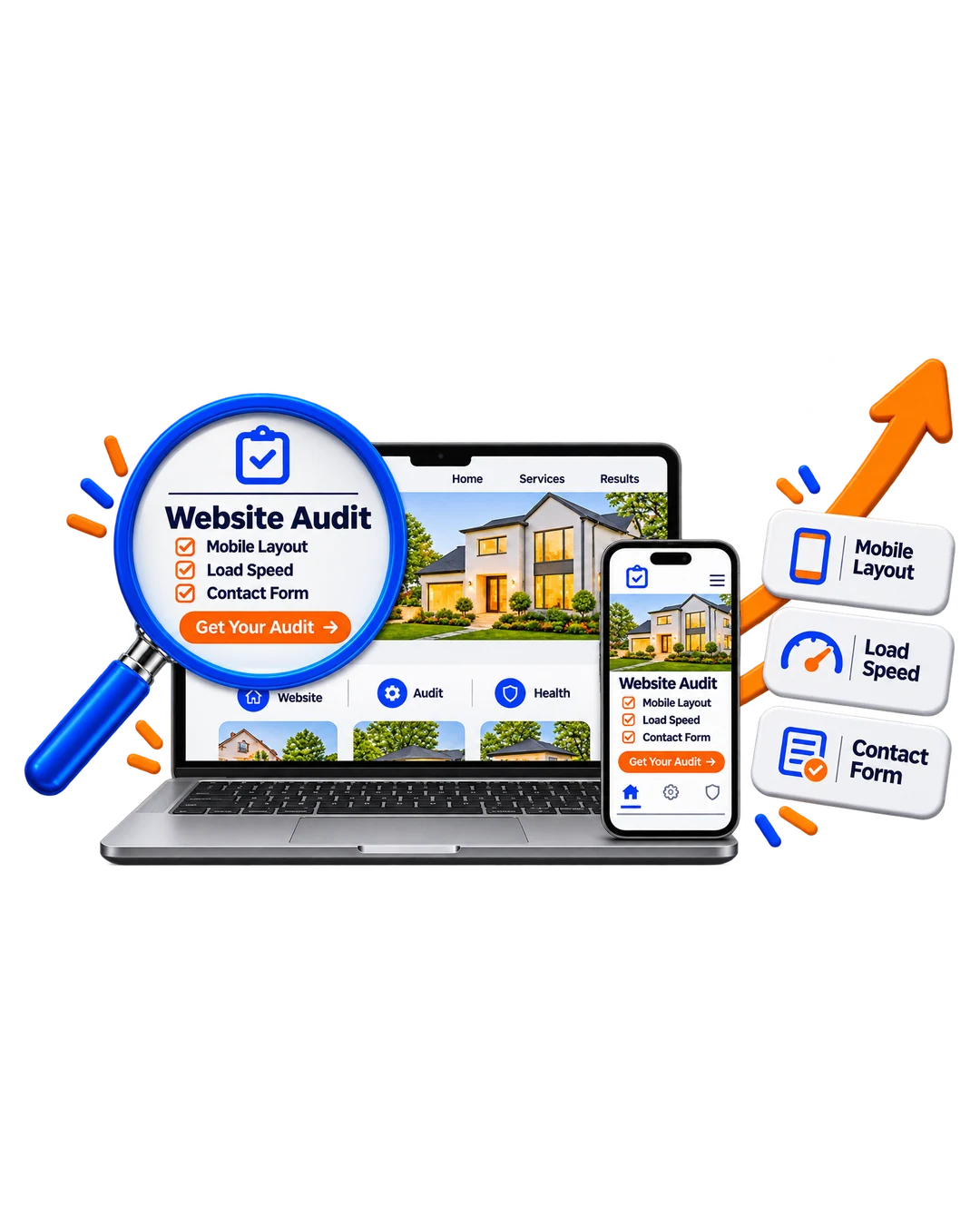
We’ll point out what is working, what is getting in the way, and which fixes deserve attention first. Free and paid audits are available.

How quickly each page loads
on phones and desktops for
visitors who arrive.

How headings and structure
help search engines read
and understand the site.

How comfortably the site
works on phones, with clear
type and easy controls.

How phone numbers, buttons,
and forms guide visitors
to the right next step.


